Flexible schedules in NuraDay
Set daily, weekly, or custom weekday plans in NuraDay with multiple reminder times and optional start and end dates for short courses.
Medication Reminder · Private by Design
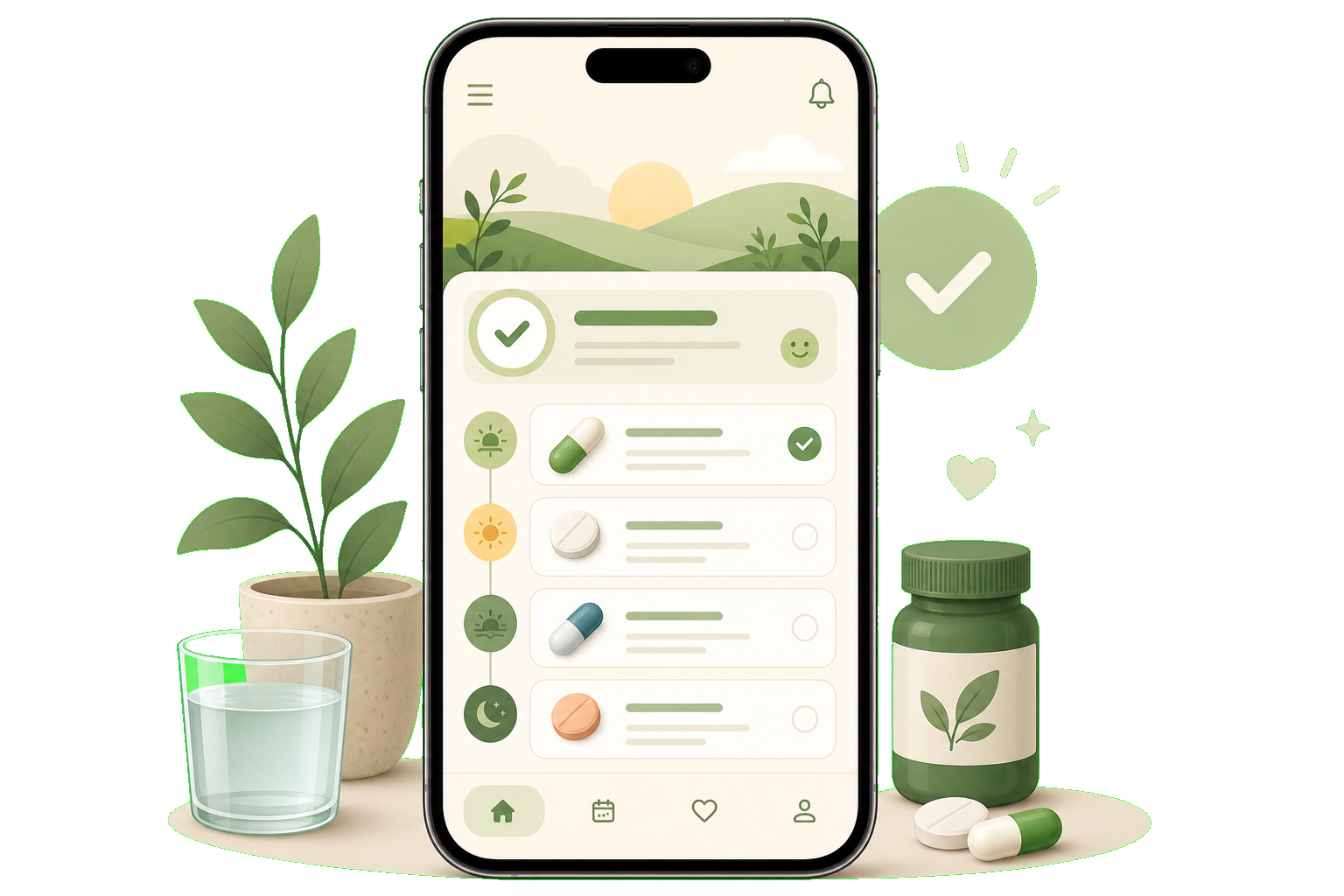
Plan medications, vitamins, and supplements in NuraDay. See what is complete and what comes next in one calm Today view—with warm local reminders and your health routine kept private on your iPhone or iPad.
No account · No ads · No medical advice · Local-first
From your Today overview to gentle reminders and progress tracking, NuraDay keeps everyday medication routines clear, calm, and private.
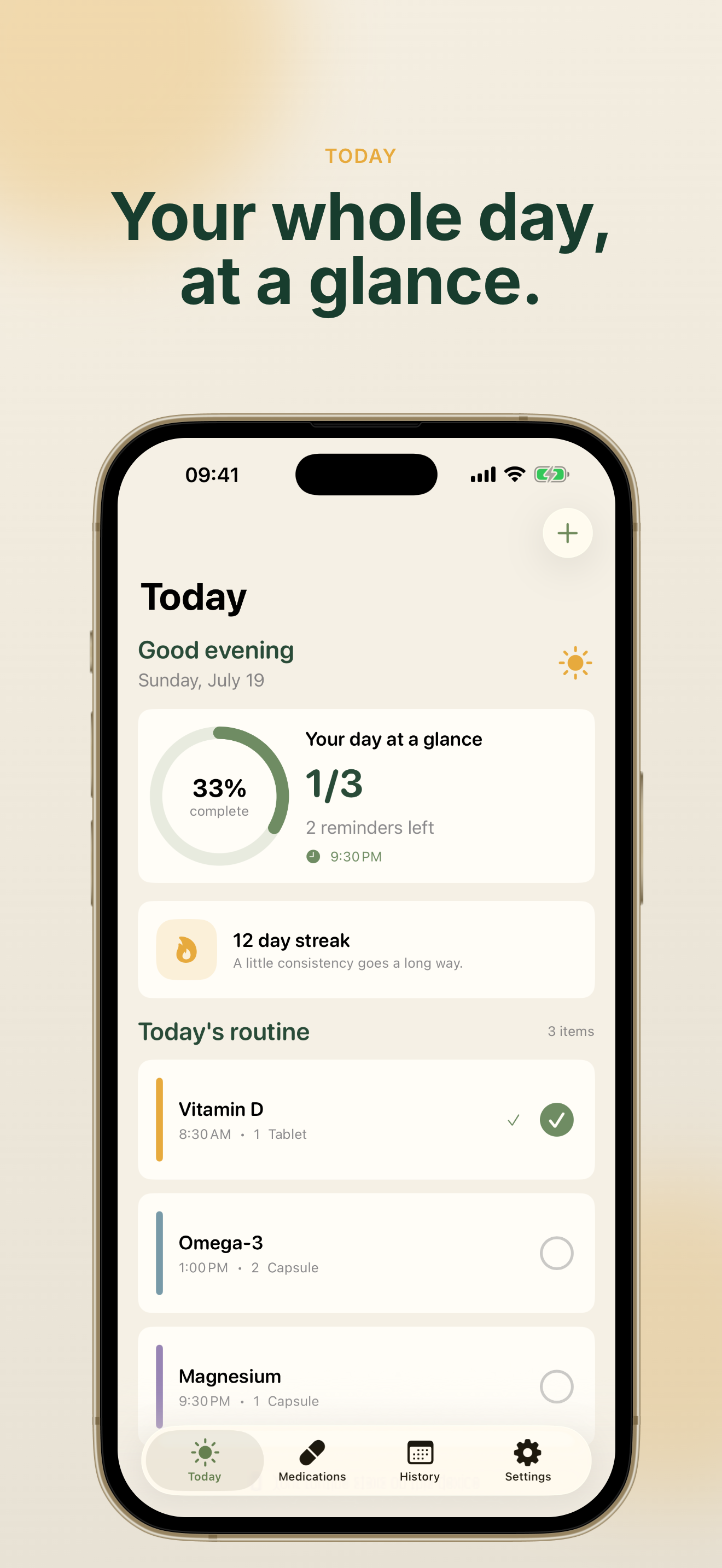
NuraDay combines gentle reminders, visible progress, and privacy-first design so you can focus on your routine—not complicated medical charts.
NuraDay sends reminders at the times you choose. Mark a dose Taken, Snooze for 10 minutes, or Skip directly from the notification—without ads or unrelated alerts.
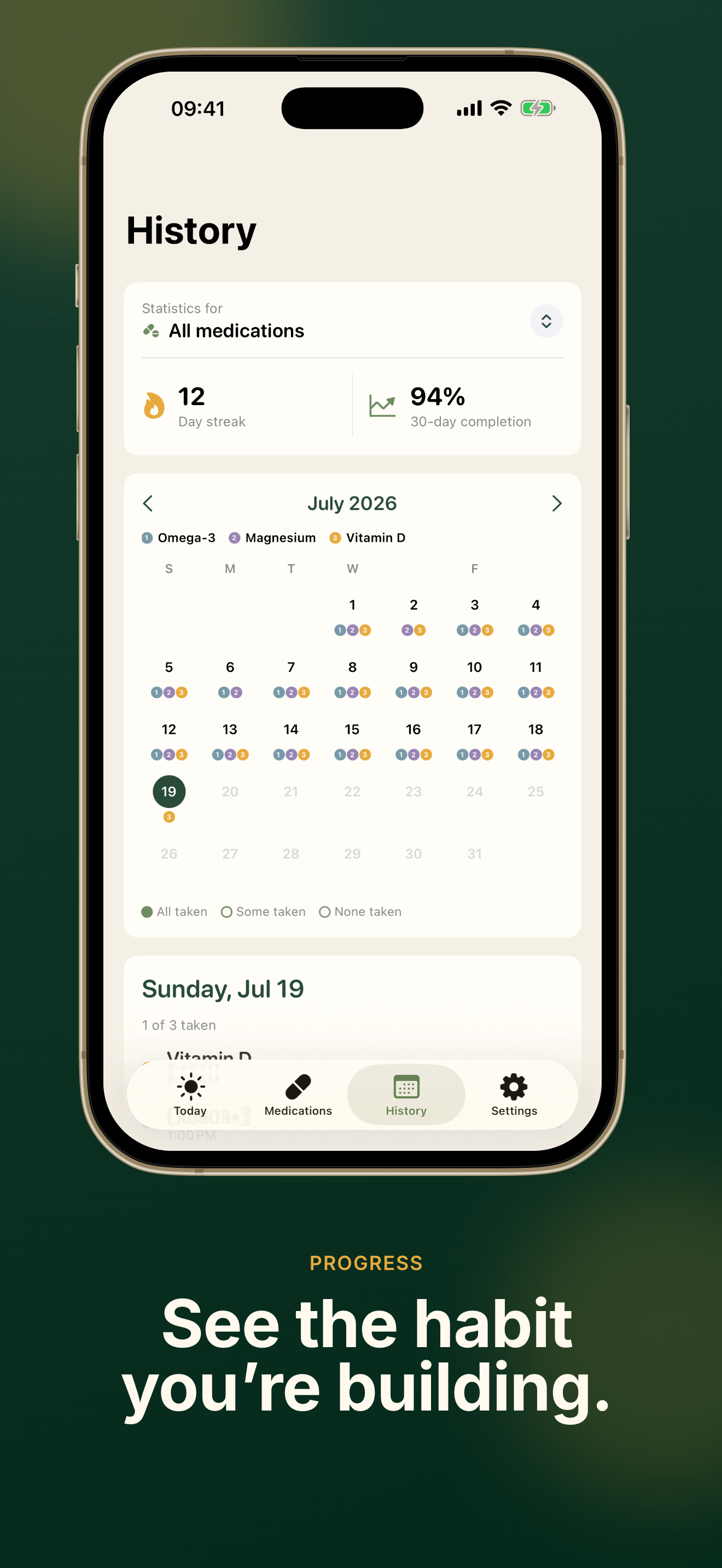
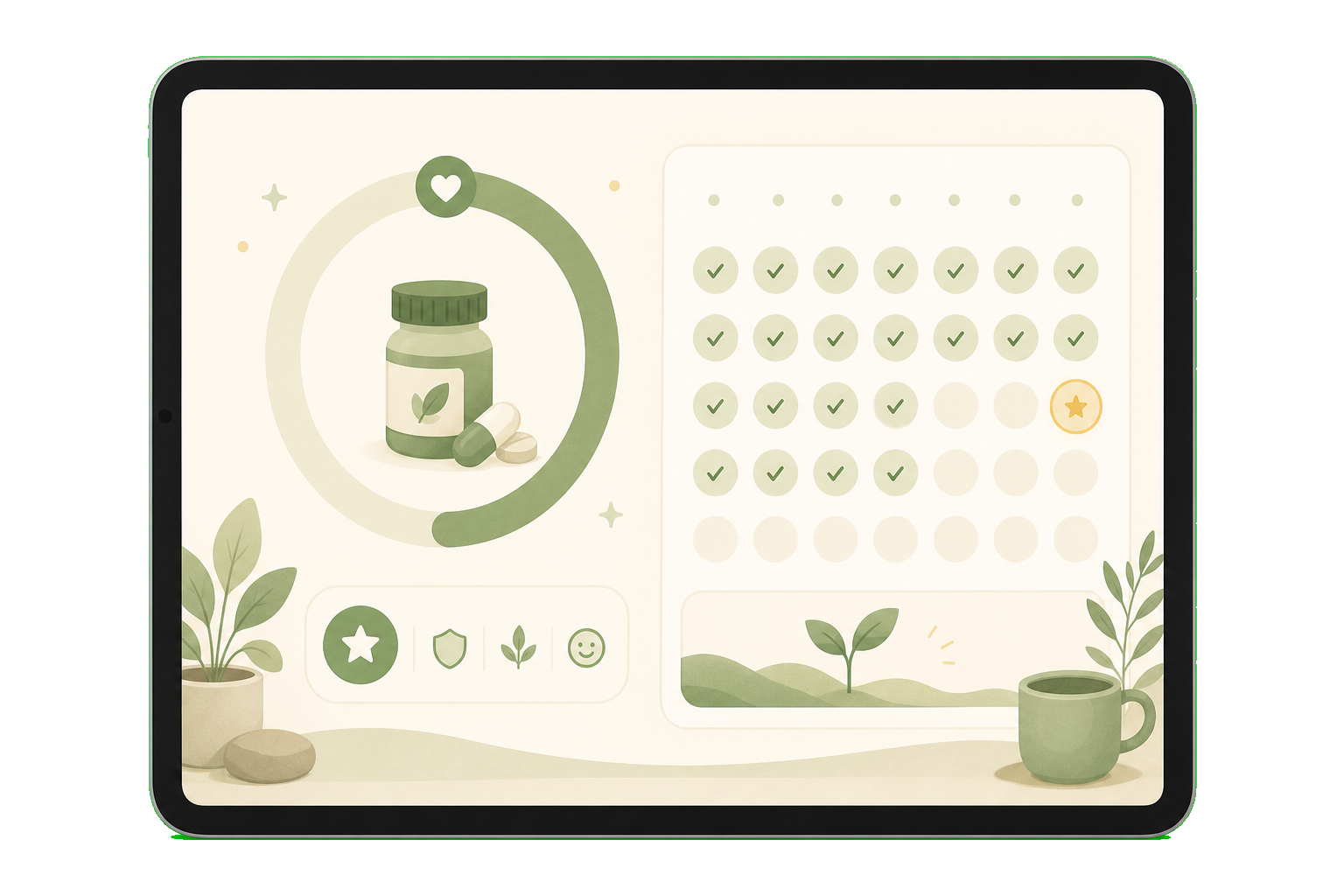
Review daily history, completion rate, and your current streak in NuraDay. Small steps become a habit when you can see steady progress without pressure.
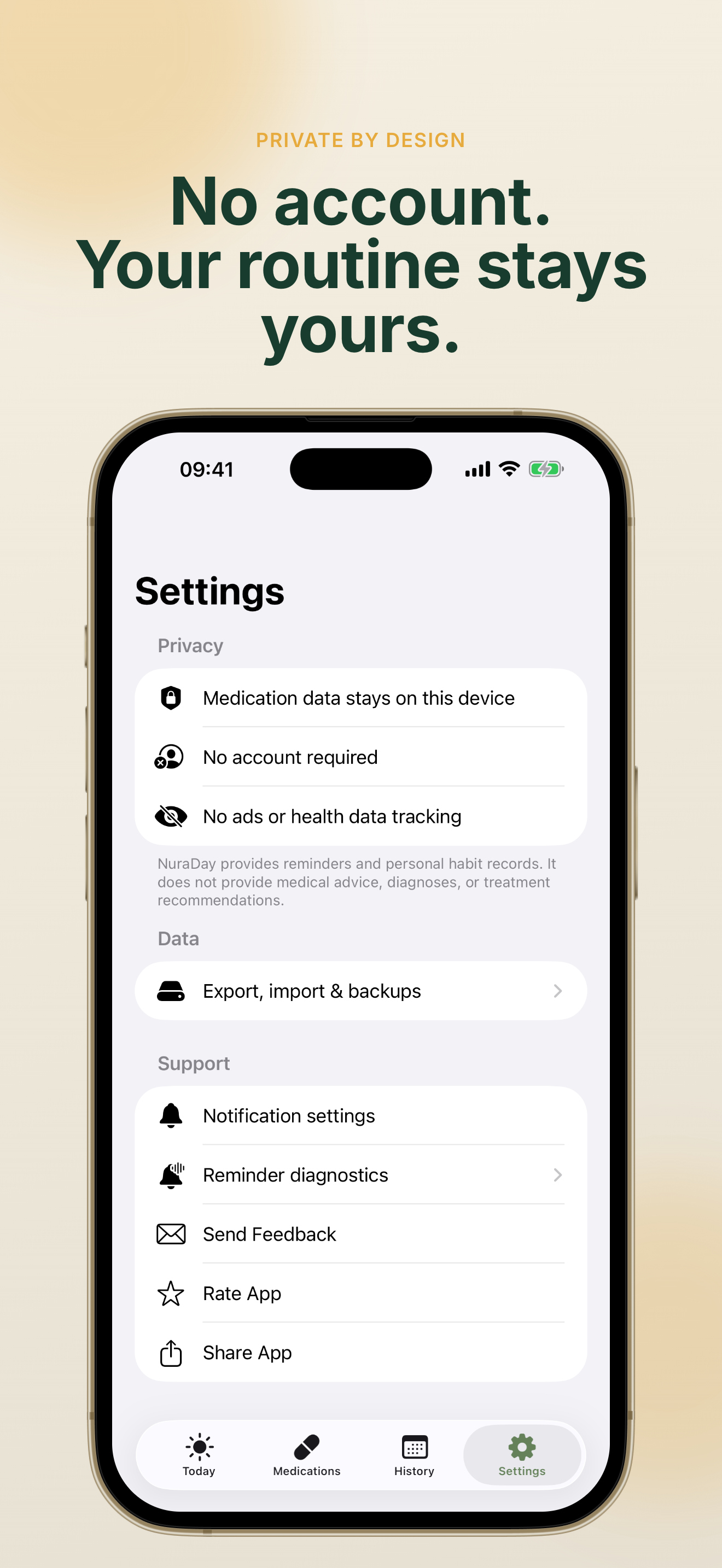
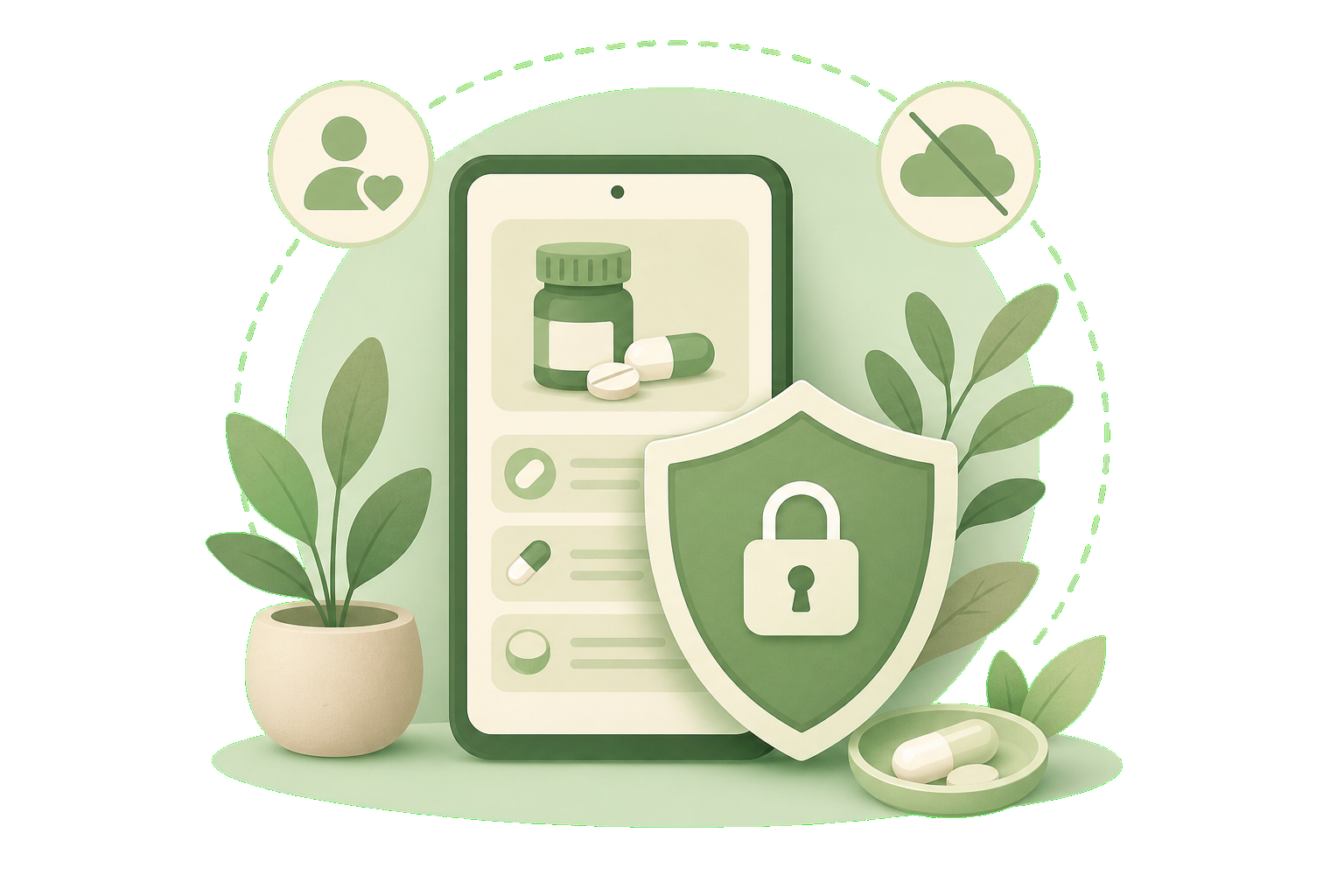
Your medication names, schedules, and history stay on your device in NuraDay. No account is required, and third-party usage analytics are disabled.
Everything in NuraDay is built around everyday routines—planning doses, staying on schedule, and keeping records you can trust.
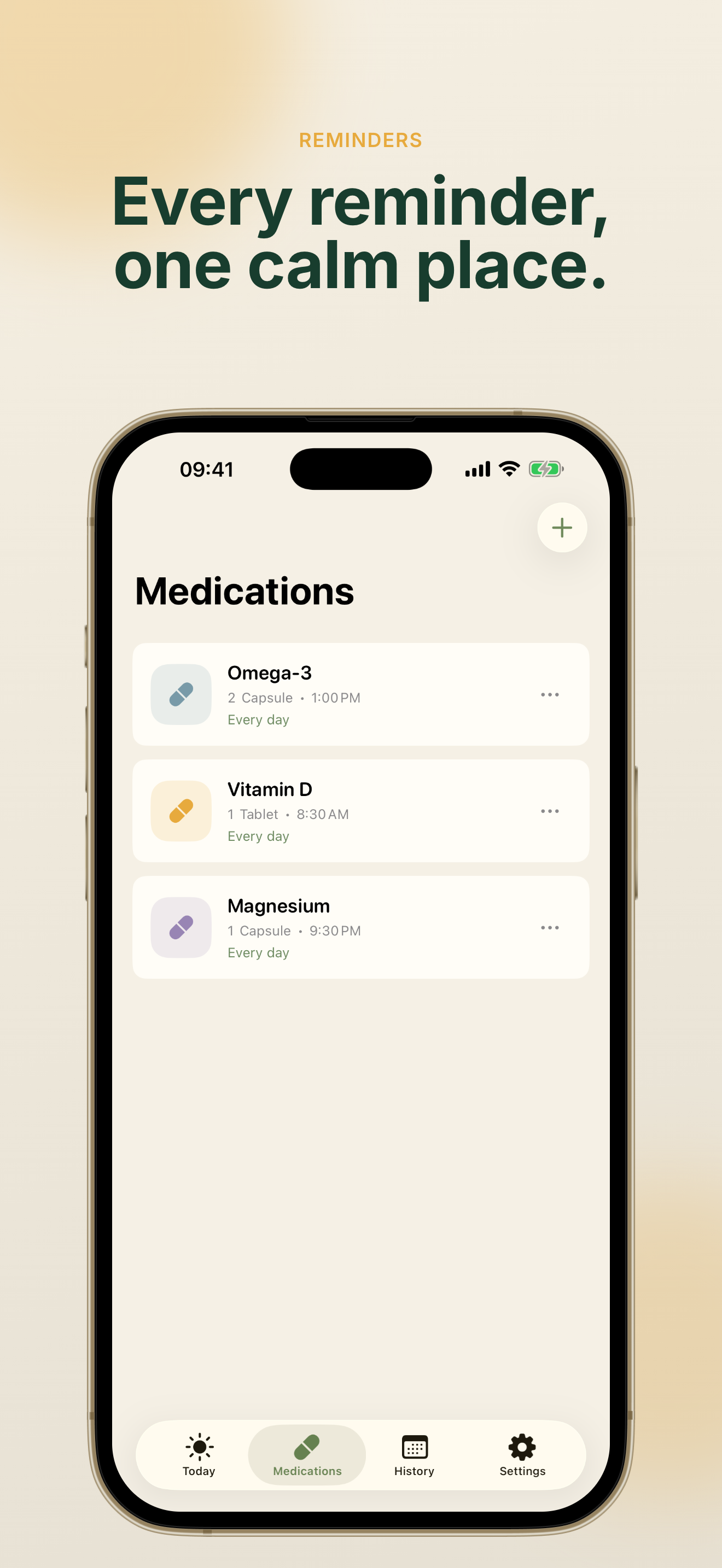
Set daily, weekly, or custom weekday plans in NuraDay with multiple reminder times and optional start and end dates for short courses.
See what is done and what comes next in one clear NuraDay Today screen—with a progress ring and gentle streak encouragement.
Browse a calendar of past doses, review 30-day completion rates, and unlock deeper NuraDay Plus insights when you want more detail.
Back up your NuraDay data as JSON, export history to CSV, or create a PDF report for a date range you choose.
Check today's progress from the NuraDay home screen widget. NuraDay works beautifully on iPhone and iPad with a warm, readable interface.
Upgrade to NuraDay Plus for advanced insights, custom themes, inventory tracking, premium widgets, and more—optional and clearly priced.
NuraDay is designed for a calm first experience—add a plan, allow reminders, and build a routine that lasts.
Open NuraDay and add a medication, vitamin, or supplement with a dose, color label, and reminder time. NuraDay keeps the schedule simple from the start.
When NuraDay asks for notification permission, allow it for the reminders you create. NuraDay uses Apple's local notification system—never ads or unrelated alerts.
You can adjust notification settings anytime in iOS Settings.
When a reminder arrives, mark it Taken, Snooze, or Skip. Watch your NuraDay completion rate grow and celebrate steady progress one day at a time.
NuraDay is a personal reminder tool—not medical advice. Always follow guidance from a qualified healthcare professional.
NuraDay FAQCommon questions about NuraDay, privacy, reminders, and what the app can—and cannot—do for you.
NuraDay is a calm medication reminder and habit tracker for iPhone and iPad. It helps you plan medications, vitamins, and supplements, receive local reminders, and record Taken, Skipped, or Snoozed doses—all with your data stored on your device.
No. NuraDay is a personal reminder and habit-recording tool. It does not provide medical advice, diagnoses, treatment recommendations, drug information, or interaction checks. Always follow instructions from a qualified healthcare professional.
NuraDay stores medication names, doses, schedules, and history locally on your device using Apple's on-device storage. NuraDay does not operate a server that receives your medication data, and no account is required.
Yes. NuraDay's core reminder, scheduling, history, export, and backup features are free. NuraDay Plus is an optional upgrade with advanced insights, themes, inventory tracking, and premium widgets.
NuraDay runs on iPhone and iPad with iOS 17 or later. The interface adapts to both phone and tablet, and NuraDay includes home screen widgets for a quick Today glance.
Questions, feedback, or privacy concerns about NuraDay can be sent to hi@codemxm.com. You can also send feedback directly from NuraDay in Settings.
NuraDay helps you remember medications, vitamins, and supplements with warm reminders and private on-device storage.
Free to download. No account required. Your routine stays yours.
NuraDay · Private by design · Made with care